Why Are Printers Still So Incredibly Dumb? (And How to Outsmart Them)
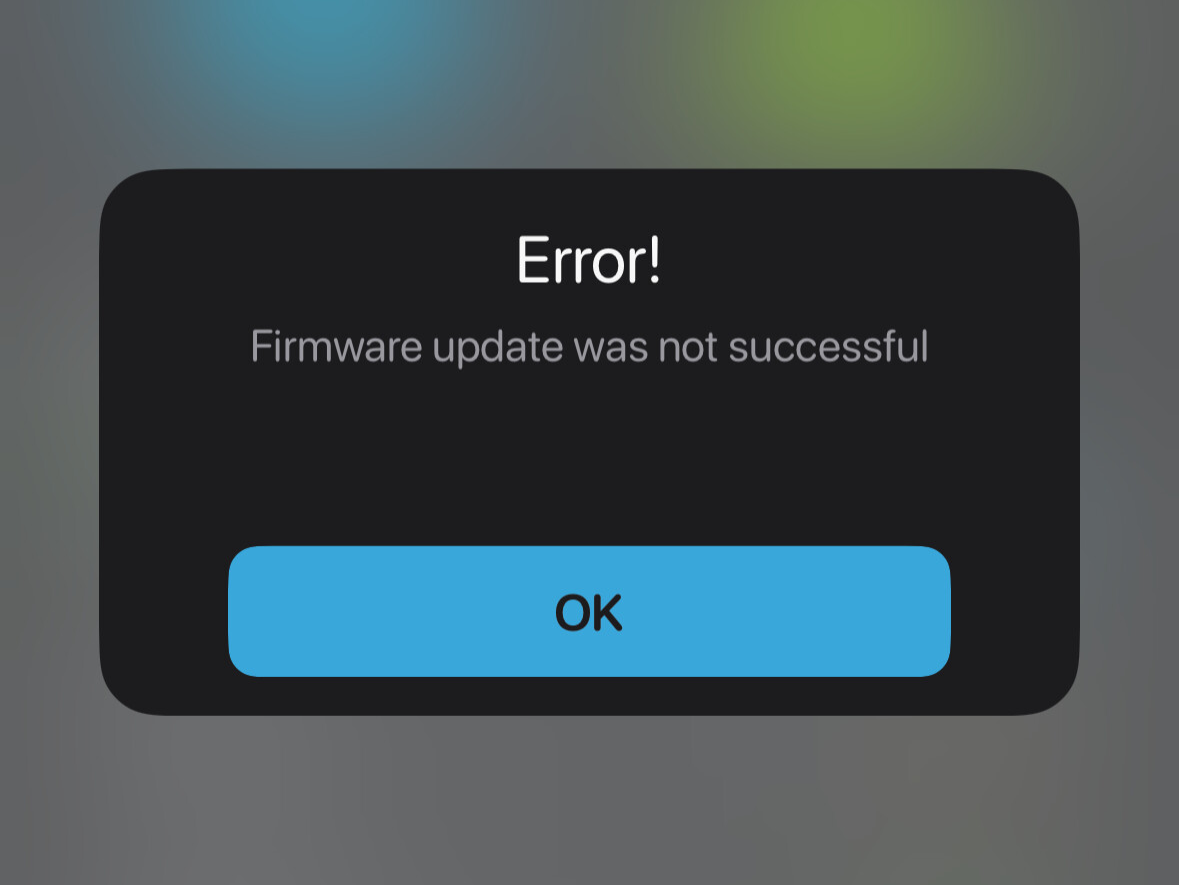
We live in an era where you can seamlessly cast 4K video to a television, command a smart home with your voice, and use artificial intelligence to write code. Yet, if you try to print a basic, one-page PDF, there is a 50% chance your computer will shrug, claim your printer is "Offline," and plunge you into a tech rage reminiscent of 1998.
Why do printers still feel so completely brain-dead? It turns out their stupidity is a toxic mix of legacy software, cheap hardware, and questionable business models. Here is a look behind the curtain at why printers refuse to cooperate, and the exact steps you can take to finally force them to be smart.
The Root Causes: Why Printers Are Trapped in the Past
1. They Are Virtual Time Capsules (The Driver Nightmare)
When you plug in a modern mouse, keyboard, or webcam, it just works. That is because modern operating systems use universal, plug-and-play standards.
Printers, however, are trapped in the past. They rely heavily on
device drivers—highly specific pieces of software that translate what is on your screen into a language the printer hardware understands. Because there are thousands of printer models, manufacturers frequently fail to update these drivers when Windows or macOS rolls out a new update. One minor OS patch can instantly break the fragile software bridge, leaving your computer unable to talk to the machine sitting right next to it.
2. Low-Cost Hardware Meets Modern Networks
A major culprit behind the infamous "Printer is Offline" error is the incredibly cheap network hardware packed inside consumer printers.
Most home routers dynamically change the IP addresses of your connected devices every few days. While your smartphone adjusts to this seamlessly, your printer often fails to report its new address. Your computer keeps shouting commands at the printer’s old IP address, gets no response, and assumes the printer has vanished from the face of the earth.
3. The "Razor and Blades" Business Model
The printer industry famously operates on a loss-leader strategy: sell the actual printing hardware as cheaply as possible, and make the real profit on the ink cartridges.
Because the margins on the physical hardware are razor-thin, manufacturers cut corners on the internal components. You are essentially buying a highly precise mechanical device powered by a processor that has less computing power than a cheap promotional smartwatch. When the hardware is built to be disposable, the user experience suffers.
4. Draconian Digital Rights Management (DRM)
Sometimes, your printer isn't actually dumb—it’s just being stubborn on purpose. In an effort to force consumers to buy expensive, name-brand ink, manufacturers pack their machines with aggressive DRM software.
If you use a third-party cartridge, or if a microchip on an official cartridge incorrectly registers as empty, the printer will completely lock up. Instead of giving you a helpful explanation, it often throws a generic, unhelpful error code or refuses to connect to your network entirely.
How to Outsmart Your "Dumb" Printer
If you are tired of playing games with a machine that refuses to connect, use these technical workarounds to bypass the manufacturer's bad software and force a permanent connection.
- Assign a Static IP address: Log into your home router's admin settings, find your printer in the connected devices list, and lock it to a permanent, static IP address. This stops your router from changing the printer's address and prevents your computer from losing track of it.
- Switch to standard TCP/IP ports: On Windows, stop letting the OS automatically "manage" your printer. Go to your printer properties, click the
Ports tab, select
Add Port, choose
Standard TCP/IP Port, and manually enter your printer's static IP address. This establishes a direct line of communication that ignores fragile network discovery protocols.
- Go old-school with a USB cable: If wireless printing continuously fails, cut out the wireless middleman entirely. Plug a physical
USB printer cable from the device directly into your computer. It removes network drops, IP changes, and Wi-Fi interference from the equation entirely.
- Ditch vendor software for AirPrint or Mopria: When setting up a wireless printer, skip downloading the bloated "management utility" or app from the manufacturer. Instead, use universal, driverless protocols like
Apple AirPrint (on Mac) or
Mopria (on Windows/Android) to send jobs directly over the network without the extra software baggage.
The Verdict
Printers feel dumb because they are an awkward hybrid of complex, old-school mechanical parts and outdated software frameworks, all built on a budget. Until the industry transitions entirely to true, zero-driver universal standards, taking manual control of your network settings is the only way to keep your sanity intact.