Boosting Wi-Fi Coverage in Your Home: How Access Points Make All the Difference

Frankton Wiring & Security • April 3, 2026

Share this article

In today’s connected homes, strong Wi-Fi coverage isn’t a luxury — it’s essential. From streaming and gaming to working remotely and managing smart devices, every corner of your home should have reliable internet access. Yet many homeowners still struggle with dead zones, weak signals, and slow speeds.

The good news? You don’t necessarily need a new internet plan — you just need better Wi-Fi coverage, and that’s where wireless access points (APs) come in.

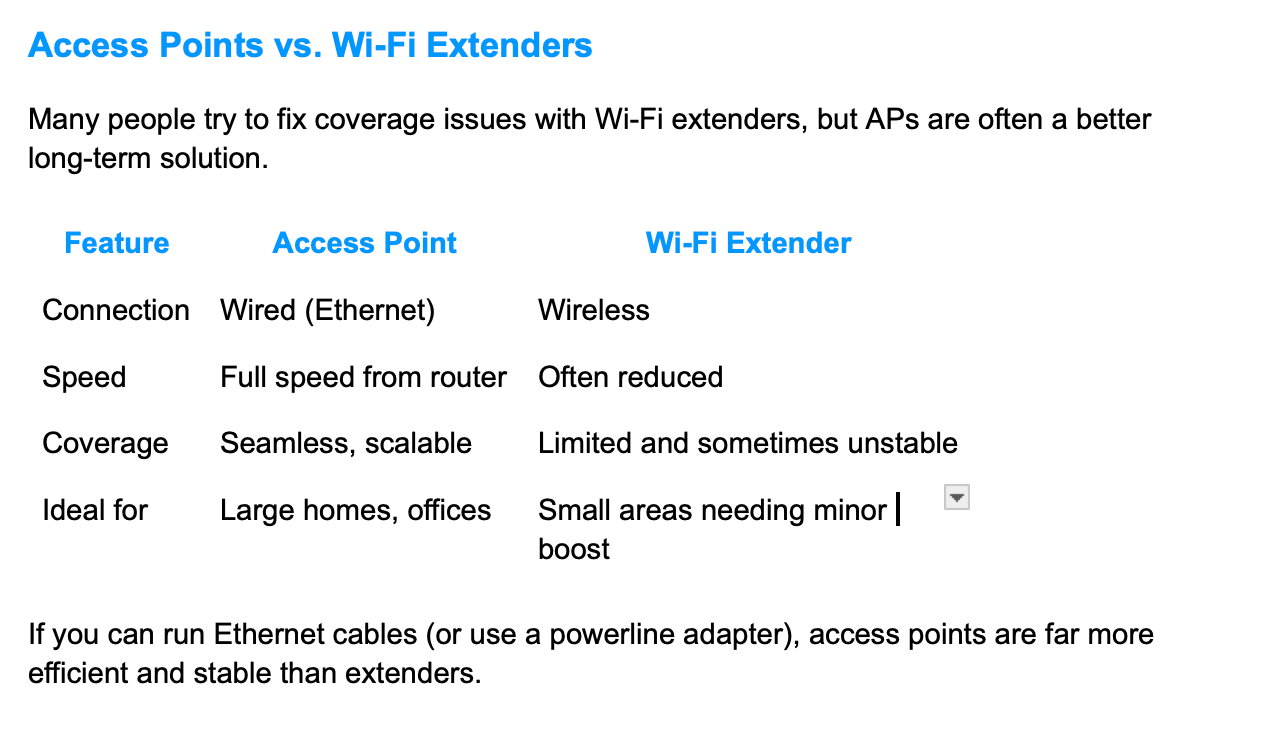
Comparison table of access points vs Wi‑Fi extenders for coverage, speed, cost, and best use cases

Understanding Wi-Fi Coverage


Wi-Fi coverage refers to how well your wireless signal reaches throughout your home. A typical home router broadcasts Wi-Fi within a limited range. Obstacles like walls, floors, appliances, and even mirrors can weaken or block the signal.


Common signs of poor Wi-Fi coverage include:

  • Slow or dropped connections in certain rooms
  • Buffering when streaming video
  • Smart devices going offline intermittently
  • Inconsistent performance on upper or lower floors

If any of these sound familiar, it’s time to think beyond a single router.


Why Access Points Improve Home Wi-Fi


A
Wi-Fi access point (AP) is a device that connects to your router via Ethernet and broadcasts its own wireless signal. Instead of relying on one router to cover the entire home, you can install multiple access points to create overlapping coverage zones — ensuring seamless connectivity in every area.


Key Benefits of Using Access Points:

  1. Eliminate Dead Zones – Place APs in weak-signal areas to blanket your home in Wi-Fi.

  2. Higher Speeds – APs provide dedicated wireless access, reducing congestion on a single router.

  3. Better Stability – Each access point has a wired connection back to your main network, maintaining speed and reliability.

  4. Scalability – Easily add more APs as your needs grow or as you expand your living space.


Many people try to fix coverage issues with Wi-Fi extenders, but APs are often a better long-term solution.


Tips for Installing Wi-Fi Access Points

Map your coverage – Identify dead zones with a Wi-Fi analyzer app.

Use Ethernet backhaul – Connect each AP to your router with a wired link for maximum performance.

Centralize placement – Mount APs high on walls or ceilings for better signal dispersion.

Use the same SSID and password – This allows devices to roam seamlessly between APs.

Choose enterprise or mesh systems if possible – Systems like Ubiquiti UniFi, TP-Link Omada, or professional mesh kits offer simple management and smooth handoff between access points.


Final Thoughts


Strong, reliable Wi-Fi shouldn’t stop at your living room. By adding strategically placed access points, you can extend fast, consistent coverage to every part of your home — from the basement to the backyard patio.

Whether you’re streaming movies, joining video calls, or controlling smart lights, upgrading your network with access points is one of the smartest investments you can make in your home connectivity.


If your home Wi-Fi is unreliable, the problem may not be your internet plan — it may be your coverage. The right access point setup can save time, reduce frustration, improve convenience, and give you peace of mind knowing your network can keep up with the way your family lives. At Frankton Security, we help homeowners create stronger, more dependable Wi-Fi coverage with clean, professional installations designed for real-world performance.

Ready to eliminate dead zones and improve Wi-Fi throughout your home?

Schedule a no-pressure consultation with Frankton Security and let us help you design a cleaner, stronger network that works where you need it most.

Recent Posts

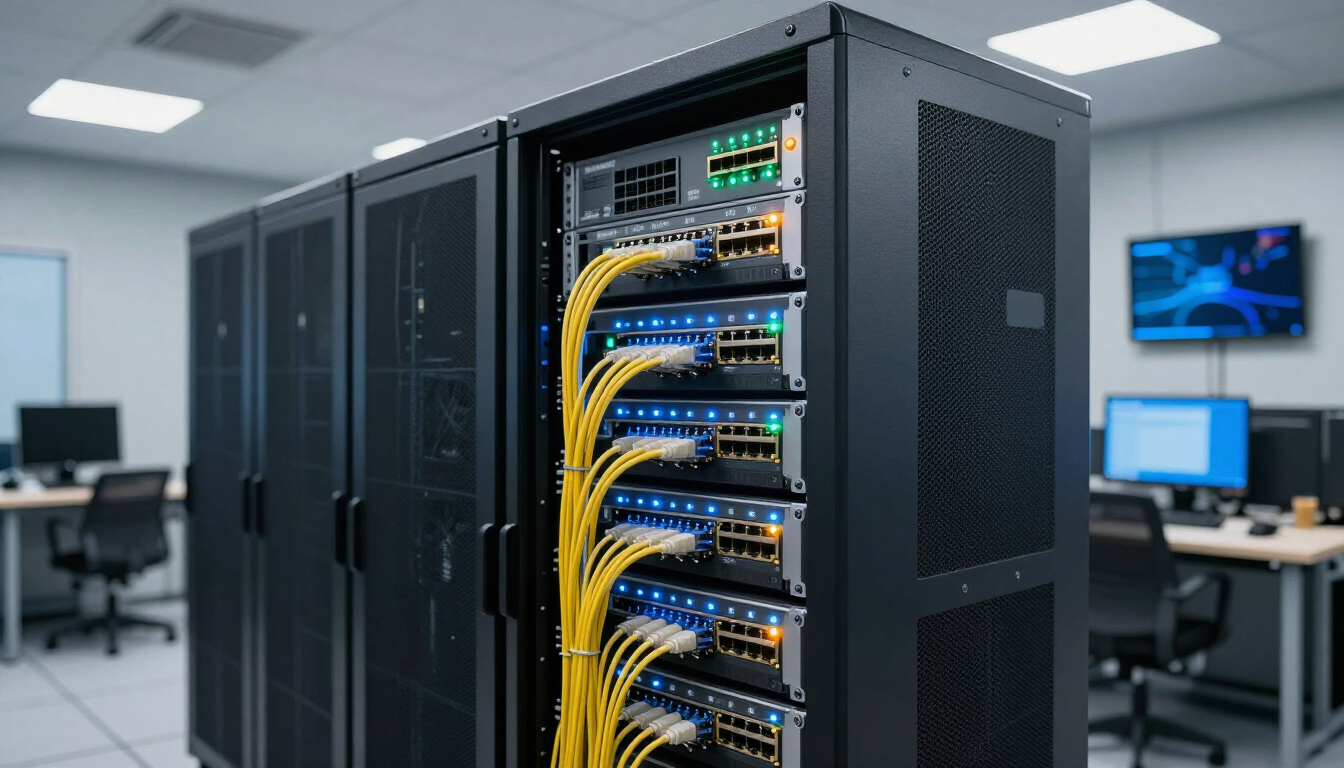
Server rack with yellow network cables in a modern office data center room
By Frankton Wiring & Security July 10, 2026
Learn why structured network cabling is essential for faster speeds, reliable connectivity, enhanced security, and scalable business growth.
By Frankton Wiring & Security June 5, 2026
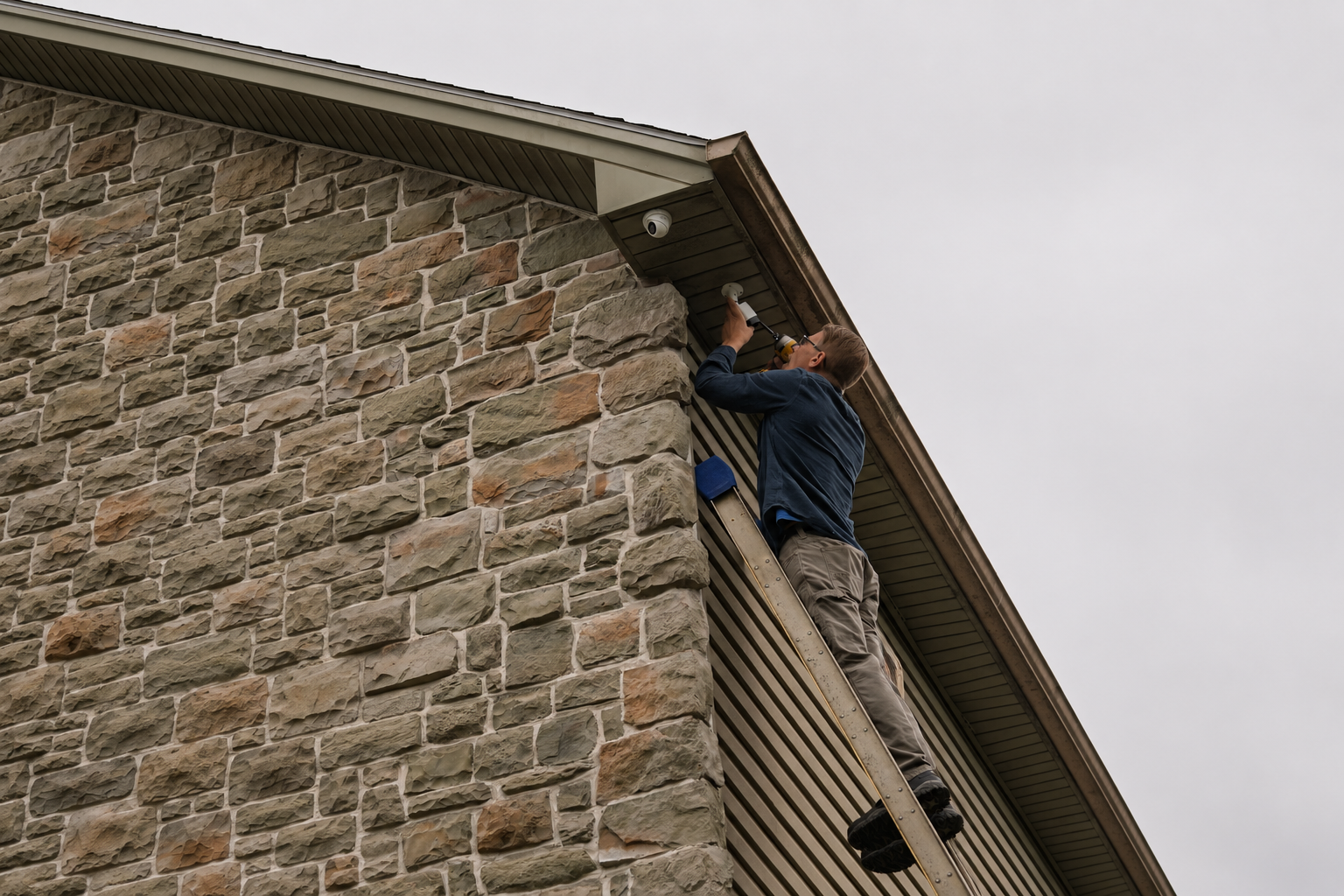
Adding security cameras enhances property safety & deters crime. Contact us for professional installation today!
Stone chimney and house roof with a weather vane against a blue sky, framed by trees
By Frankton Wiring & Security March 6, 2026
Learn how professional Starlink installation improves performance, optimizes placement, and delivers reliable high-speed internet for your property.