Why Professional Post-Installation Care Matters: The Critical Role of Firmware Updates
When we completed your security system installation, we handed over a commercial-grade, fully optimized defense network tailored specifically to your property. Whether we secured your family home or your commercial facility, our goal was to provide you with seamless, reliable protection from day one.
However, a professional surveillance system isn't a "set it and forget it" appliance. It is a sophisticated network of computers. Your
Network Video Recorder (NVR) and
IP cameras rely on internal software called
firmware. Manufacturers constantly release firmware updates to patch newly discovered security holes, fix system bugs, and introduce advanced analytical features.
Because we exclusively service and maintain the high-quality systems we install, we want to ensure your investment remains fully protected. Here is why having our technicians handle your system's firmware updates is vital to maintaining your property's security.
1. Eliminating the Risk of "Bricking" Your Hardware
Surveillance hardware is highly precise. Firmware must be applied in a strict chronological order, matching the
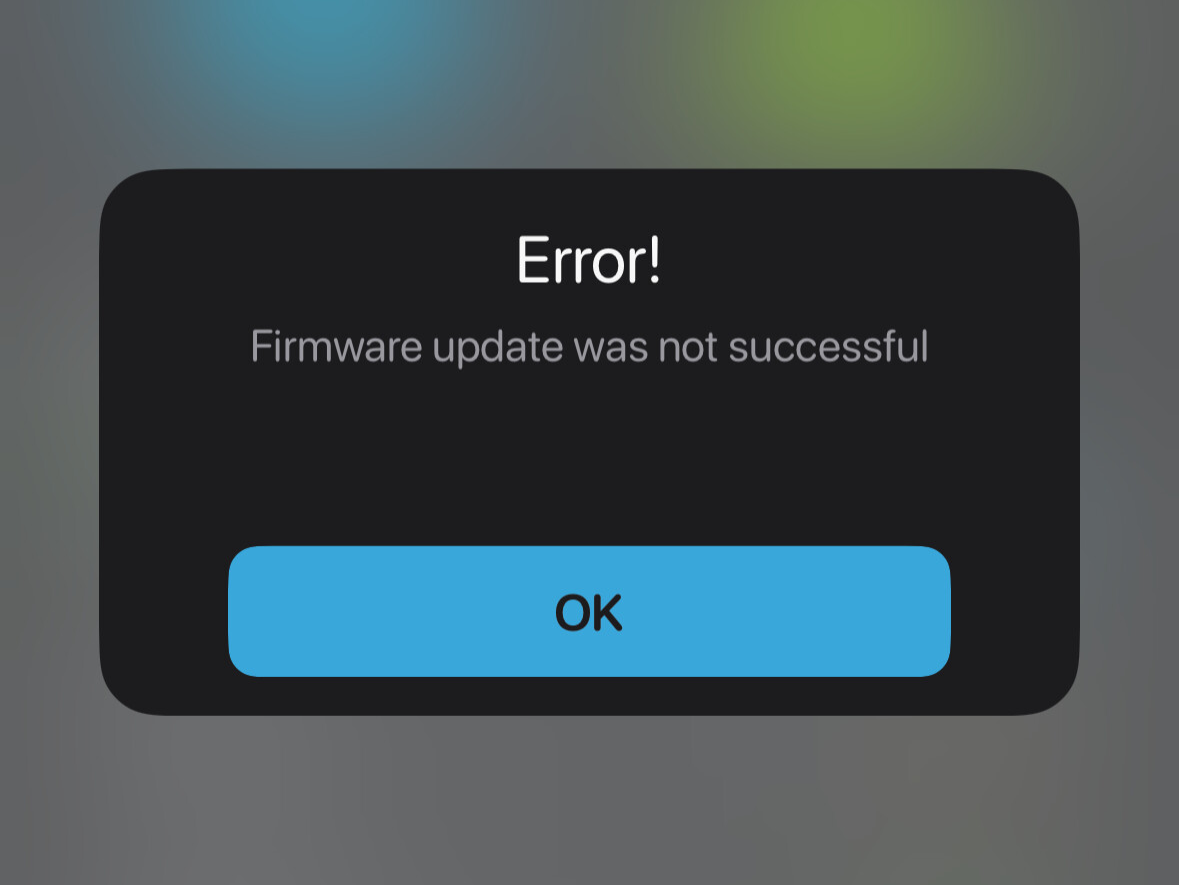
exact model number and hardware version of each individual NVR and camera. If a version is skipped or the wrong variant is applied, the device can suffer a permanent boot failure—known in the tech industry as "bricking." Our technicians know the exact, safe upgrade path for the hardware we deployed on your property, removing all risk of equipment failure.
2. Safeguarding Your Network Against Cyber Threats
If you use a mobile app or web portal for remote viewing, your system interacts with the internet. This makes outdated firmware a prime target for cybercriminals looking for network entry points. Manufacturers constantly patch vulnerabilities to block unauthorized access. When our technician updates your firmware on-site, they don’t just upload a file; they audit your
network protocols, update device passwords, and verify encryption settings to secure your home or business network.
3. Preventing Network and Configuration Dropouts
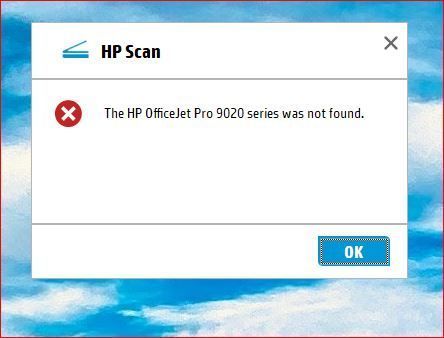
A major headache of firmware updates is that they can reset equipment to factory defaults. For a residential user, this might mean losing remote viewing on your phone. For a commercial business, it could mean your cameras lose their static IP addresses and stop communicating with the NVR entirely, halting all recording. We prevent this by
backing up your system configurations beforehand, ensuring that if a camera drops offline post-update, we can resolve the network mismatch on the spot.
4. Correctly Configuring Advanced Analytics
Many firmware updates introduce or improve smart features, such as
AI human and vehicle detection, line crossing, and advanced motion zoning. However, these features are rarely plug-and-play. Our technician can fine-tune these new capabilities during the update—adjusting camera sensitivity grids, configuring arming schedules, and setting up precise alert triggers so you get accurate notifications without the nuisance of false alarms.
5. Ensuring Power Stability and Physical System Health
A critical rule of firmware deployment is that the power
must remain completely uninterrupted. If a camera loses power or an NVR reboots mid-update, the internal operating system is corrupted permanently. Our technicians utilize stable power baselines or connect to an Uninterruptible Power Supply (UPS) before pushing updates. Furthermore, an on-site visit allows us to perform a physical health check—cleaning lenses, checking PoE switches, and verifying the health of your NVR's surveillance hard drives.
Set It and Forget It: Ongoing Peace of Mind
While you can schedule one-time technician visits whenever you notice an update is needed, the most reliable way to secure your property is through consistent maintenance.
To make this seamless for our installation clients, we offer an optional, hassle-free
Monthly Service Plan starting at just about $4 per camera and NVR per month. This plan ensures your system receives regular firmware monitoring, security patches, and routine health checks without you ever having to think about it. It is a completely optional way to guarantee your first line of defense never goes down.
Protect Your Investment
We built your security system to last, and we are committed to keeping it running at peak performance. Don't risk blind spots, data loss, or network vulnerabilities by letting your software fall behind. Let our expert technicians handle the heavy lifting so your property stays completely secure.
Ready to get your system up to date? Contact us today to schedule a maintenance visit or to ask about how our monthly service plans can keep your property protected 24/7.